Font Finder.Hover. Know.
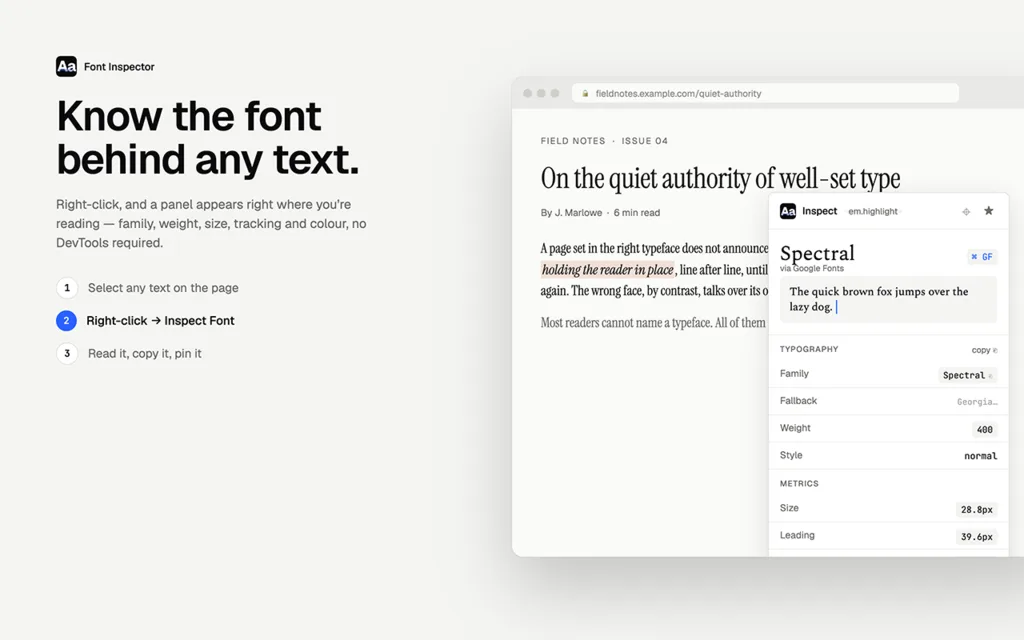
Point at any text on any page and read its family, weight, size, line height and color — then copy it as CSS. No clicking through DevTools panels to answer “what font is that?”


Grotesque, 800.
A subhead at six hundred.
Body text at regular weight — the paragraph you actually read. Hover it and the inspector reads the computed style, exactly the way the extension does on any page you visit.
| Family | Archivo |
| Weight | 800 |
| Size | 56px |
| Line height | 59.4px (1.06) |
| Letter spacing | -0.02em |
01
Reads computed style
Not the stylesheet’s intention — what the browser actually rendered, fallbacks and inheritance resolved.
02
Copy as CSS
One click turns the inspection into a paste-ready rule: family, weight, size, line height, spacing, color.
03
Stays out of the page
No toolbar popups to open, nothing injected until you summon it with a keystroke. Works on any site.
Variable fonts: reading live axis values — weight, width, optical size — on hover is in progress. If you work with variable type, tell us what you need.