Real Python.In your browser.
A complete CPython interpreter, editor and IDE that runs inside Chrome. Write a whole program, press Run, and see the output — no installer, no account, no server.
Already use it? Leave a review — it takes a minute and helps more than you’d think.
01
Run Python without installing Python
A complete CPython interpreter ships inside the extension. Nothing to download, nothing to set up, and no online compiler in the middle — your code is never sent to a server.
02
Keeps working when the Wi-Fi doesn’t
The interpreter is local, so a dropped connection changes nothing. It runs on a plane, on a train, and in a classroom with the network locked down.
03
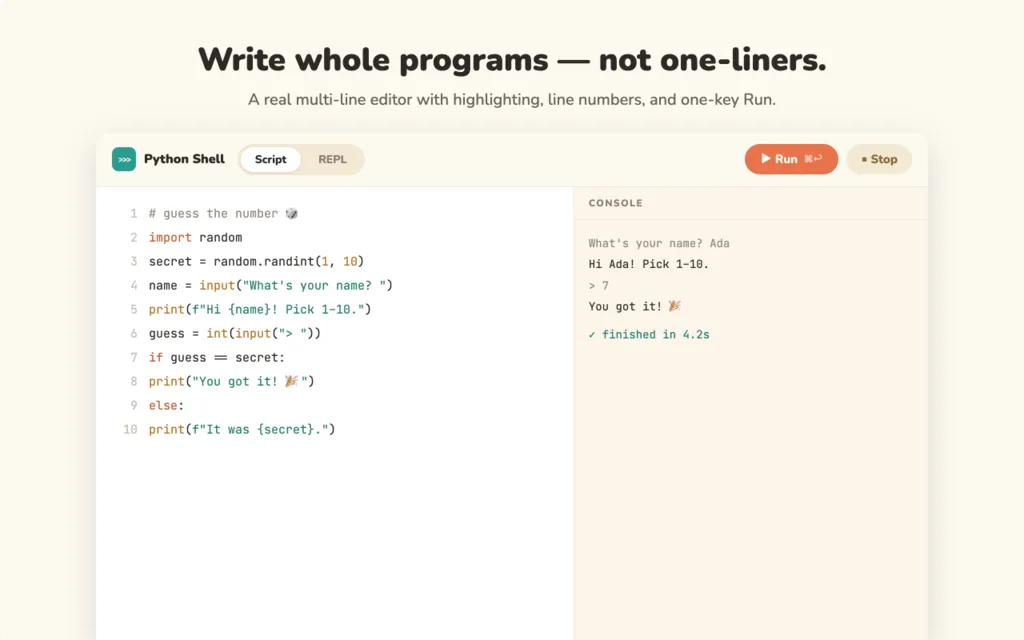
Write real programs, not one-liners
A proper multi-line editor: syntax highlighting, line numbers, auto-indent, and autocomplete that reads your own variables as you type. Save scripts, reopen them later, download them as .py, or open a file from your computer.
04
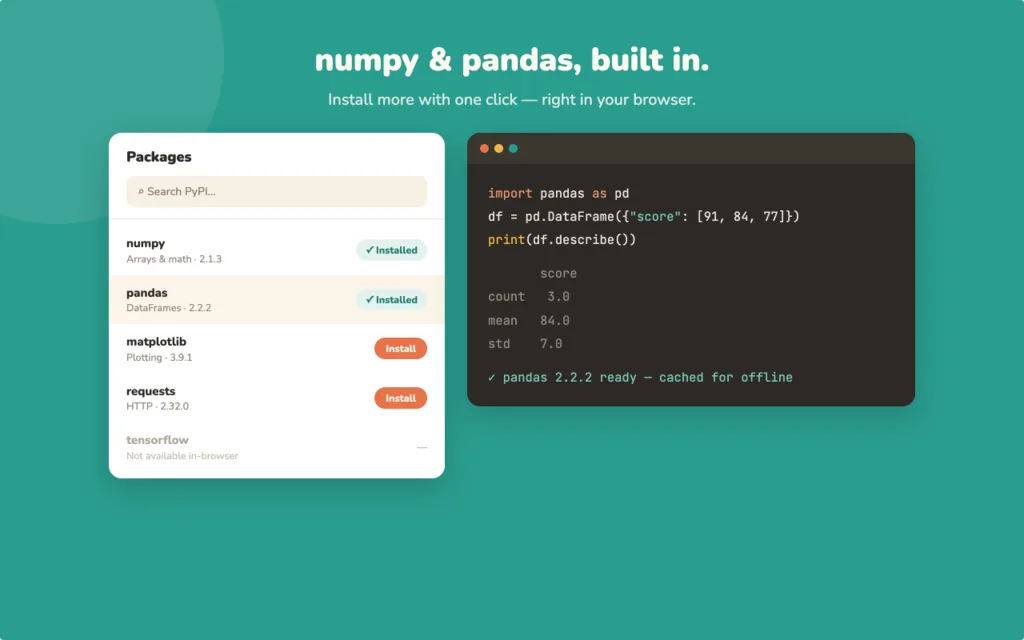
The libraries you actually reach for
numpy arrays, a pandas DataFrame, a matplotlib chart and turtle drawings all run as they are — the parts of Python that usually need an install working out of the box.
No Linux. No terminal. No admin rights.
Running Python on Chrome OS usually means enabling Linux, opening a terminal, and having permission to do both — which a school-managed laptop rarely gives you. Here the interpreter lives in the extension, so none of that applies.
Twelve examples that already run.
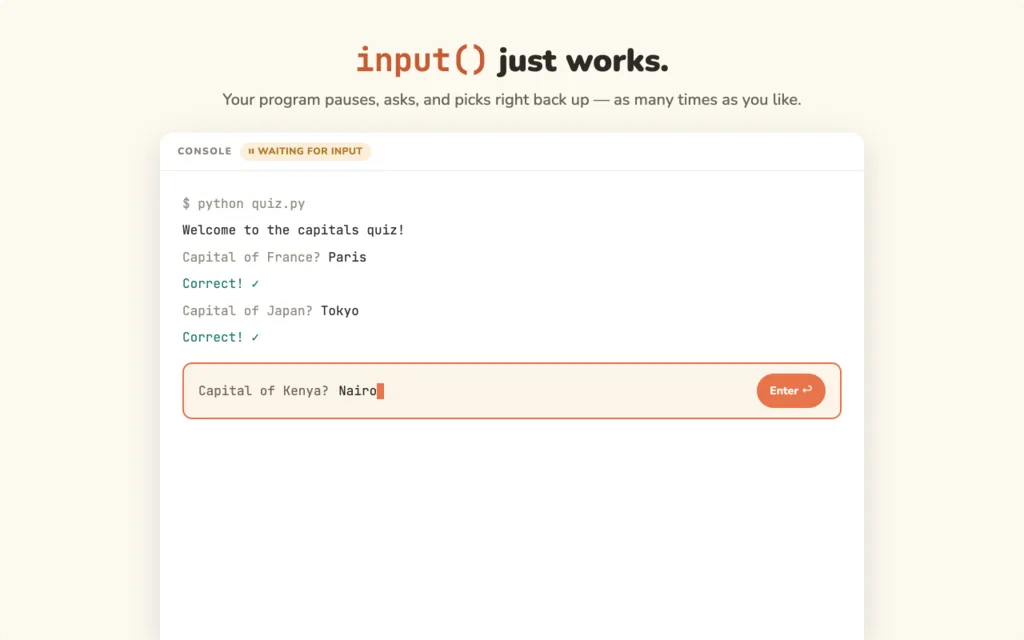
A first program, an input() quiz, turtle drawings, numpy arrays, a pandas DataFrame, a matplotlib chart, reading and writing files, fetching data from the web — and two that fail on purpose, so a traceback and a runaway loop stop being frightening.
Questions
Does my code get uploaded anywhere?
No. The interpreter runs inside the extension on your own machine, so your code never travels to a server. That is the difference between this and an online Python compiler.
Will it work on a school Chromebook?
Yes — that is the case it was built for. Python runs on Chrome OS without enabling Linux, without a terminal, and without admin rights, so a locked-down school laptop is enough.
Does it work offline?
Yes. Nothing stops working when the connection does, because there is no server involved in running your code.
Which libraries are included?
numpy, pandas, matplotlib and turtle are ready to use, alongside the standard library — including reading and writing files.
I am just starting. Where do I begin?
Twelve worked examples open straight into the editor and run as they are, from a first program and an input() quiz through turtle drawings and a pandas DataFrame. Two of them go wrong on purpose, so you can practise reading a traceback and stopping a runaway loop.
Nothing leaves your machine. Read the full policy →